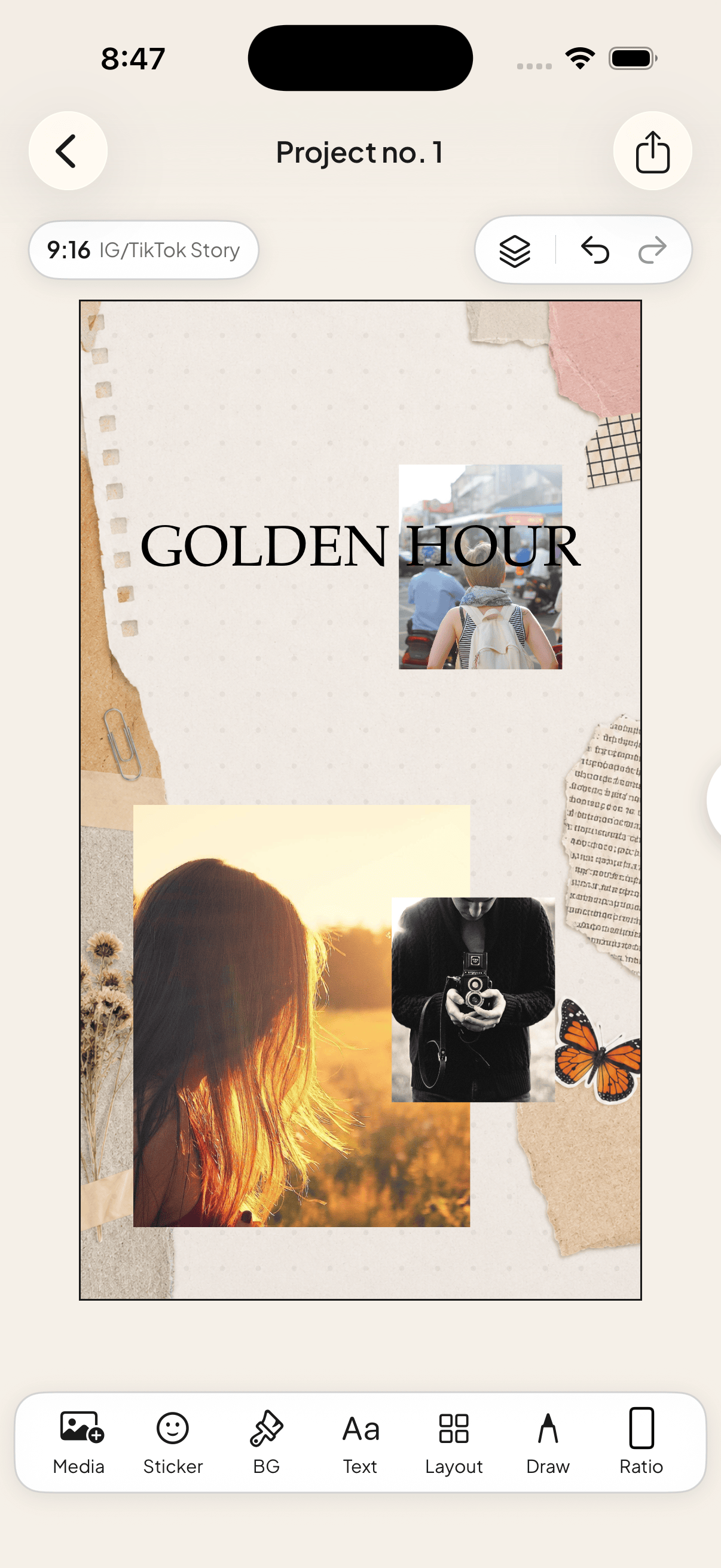
# How to Make a Digital Scrapbook on iPhone
> Make a digital scrapbook page on your iPhone with photos, paper textures, frames, washi tape, cutouts and journaling—no desktop editor required.
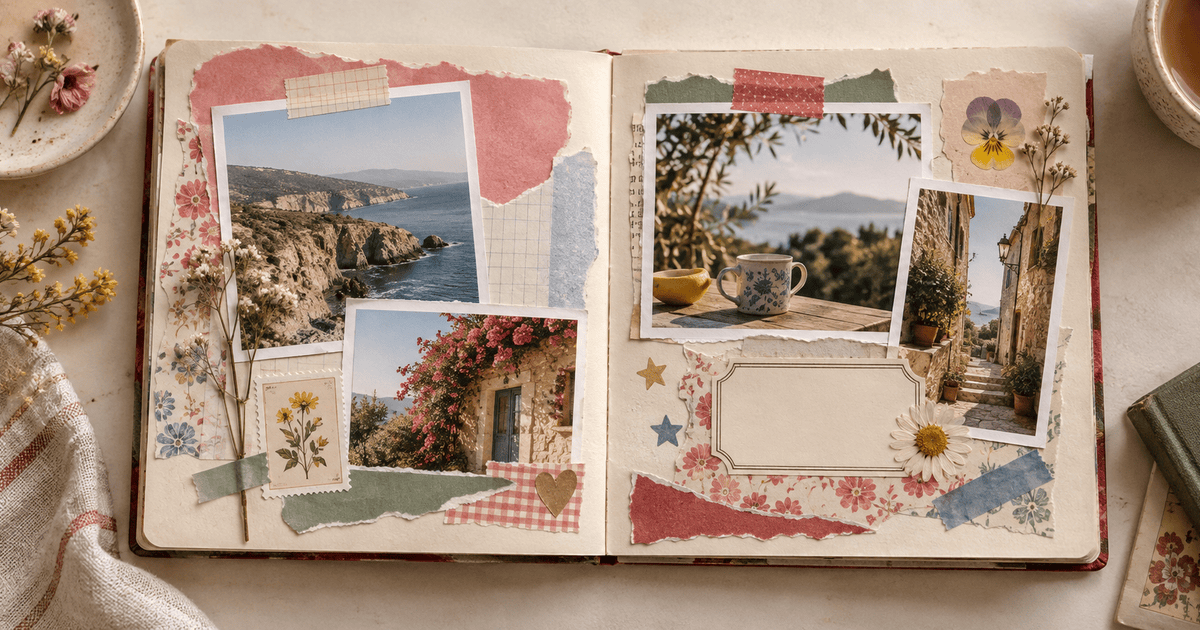
A digital scrapbook should still feel touched. The uneven photo, the torn edge, the piece of tape that appears to hold a memory in place—those small imperfections are what separate a scrapbook page from a photo grid.
**TL;DR:** Start with one moment, choose two to five photos, set a paper background, anchor the main photo in a frame, overlap smaller images and cutouts, add two or three pieces of tape or ephemera, write one short note, and export. Jodu lets you build the whole page on an iPhone.
## Choose a small story
The fastest way to make a scrapbook page confusing is to make it about an entire year. Begin with something you can name in a few words:
- Saturday at the beach
- First week in a new flat
- September flowers
- The concert train ride
- Mum's birthday lunch
One small story gives you a natural filter. If a photo does not help tell it, save that photo for another page.
## What you need
- Two to five photos from the same day, place or feeling.
- One background texture.
- One main frame or paper shape.
- A handful of stickers, tape, flowers, stamps or cut-paper details.
- One caption, date or short journal note.
We will use [Jodu](https://apps.apple.com/app/jodu-app/id6759936736), a free-forever iPhone collage app with templates and a freeform canvas. Jodu includes 887 stickers, 13 fillable frames and more than 40 fonts, so the materials live beside the canvas instead of in several separate downloads.
## How to make the scrapbook page
### 1. Pick the page shape
Choose portrait for a phone-first journal page, square for a classic album feel, or 4:5 if the page will become an Instagram post. Do this before arranging anything so the composition does not need to be rebuilt later.
### 2. Lay down paper
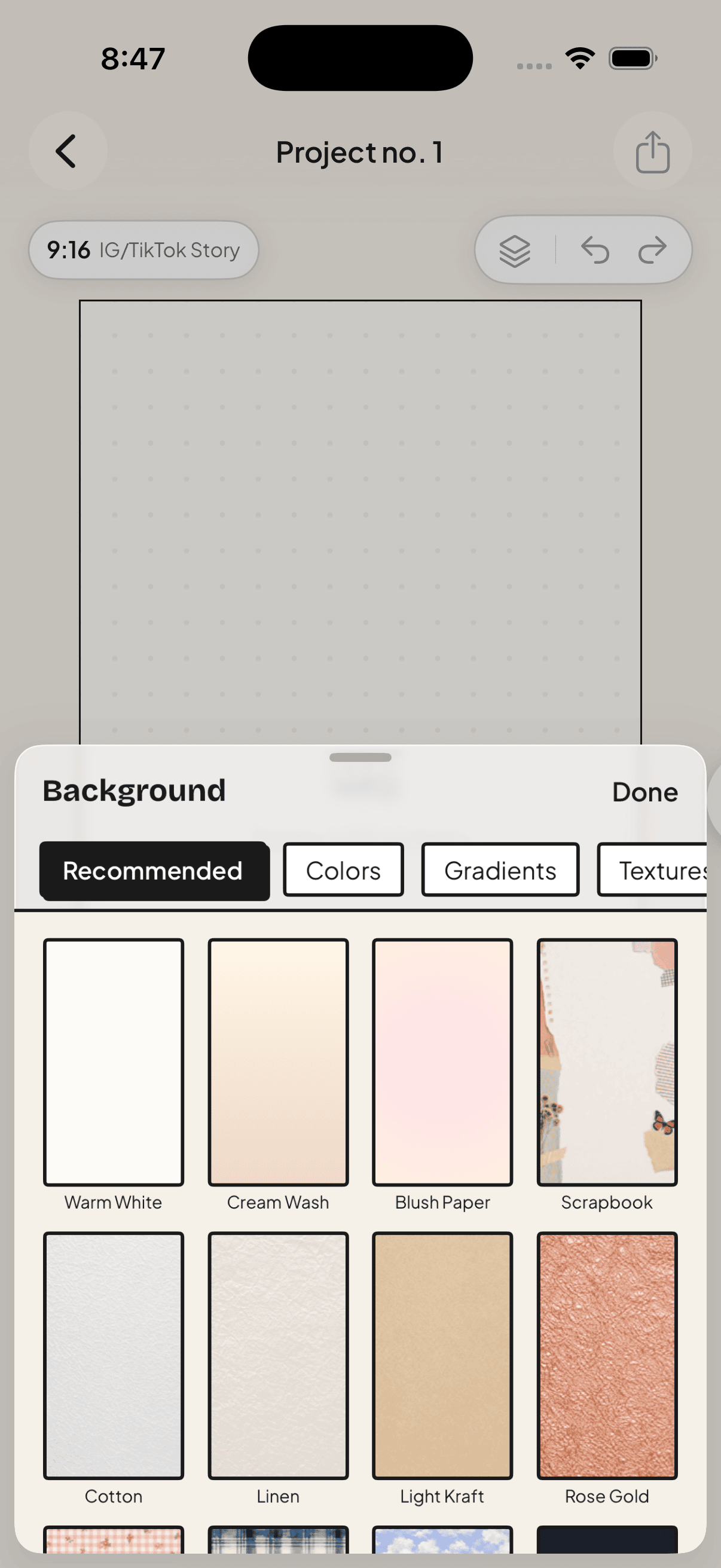
Tap **BG** and choose a quiet paper or painted texture. The background should support the photos, not compete with them. If your images are cool blue, a warm cream page creates contrast. If the photos are already colorful, begin with something nearly neutral.
### 3. Give one photo the lead
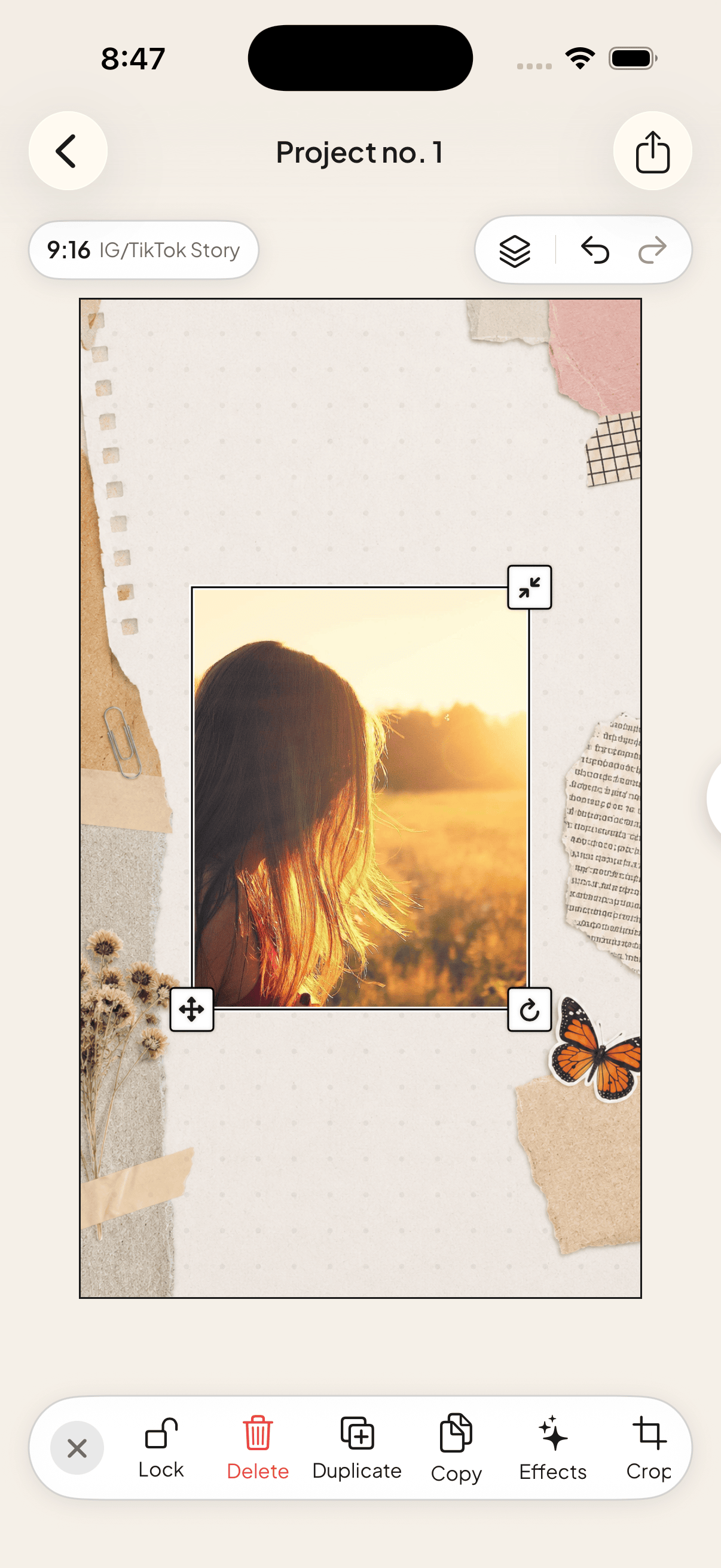
Add the photograph that carries the memory and make it the largest object. Put it in a Polaroid, postcard, oval or simple rectangular frame if the page needs structure.
Do not center everything automatically. A main photo sitting slightly high or to one side leaves a useful pocket for smaller details.
### 4. Add supporting photos
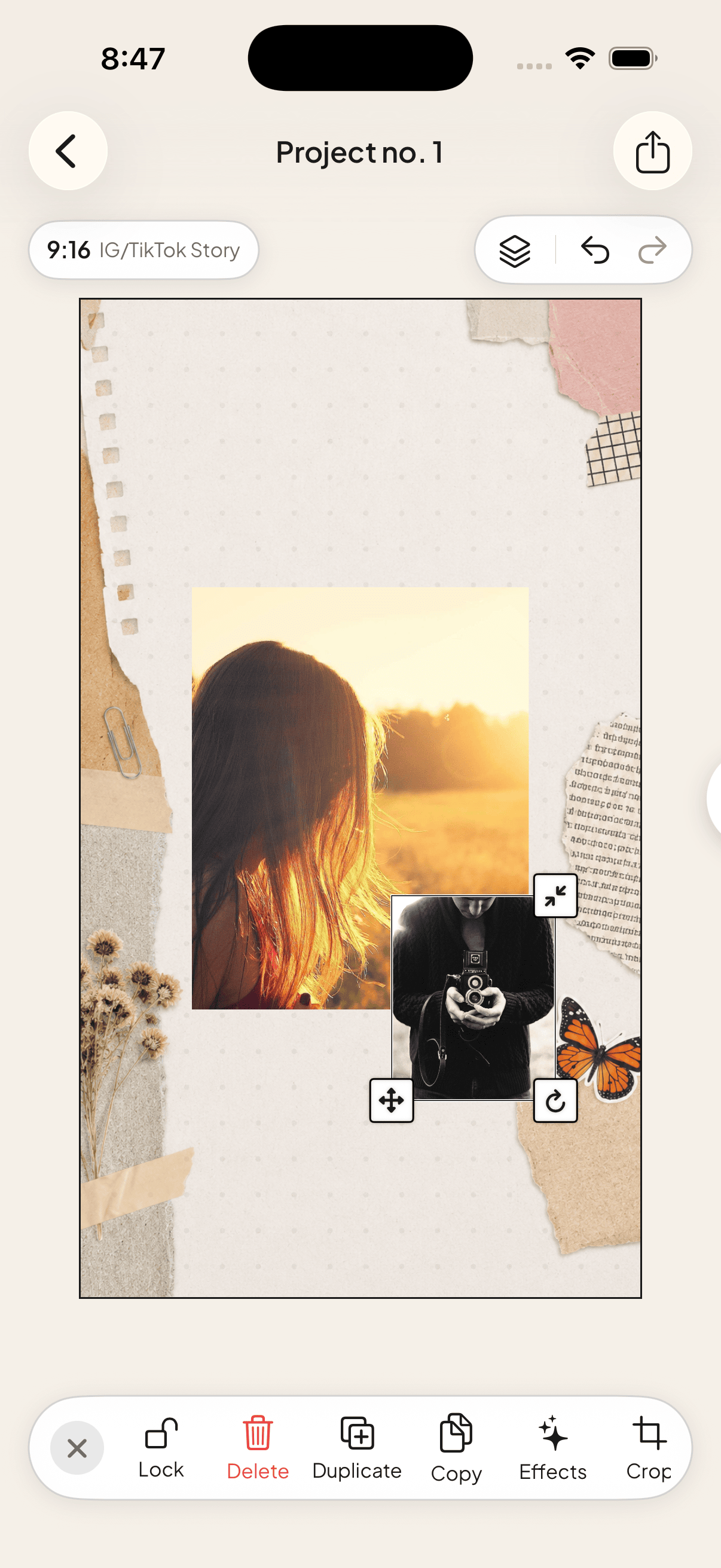
Bring in one to four smaller images. Tilt one a few degrees, let another slip behind the main frame, and crop aggressively when only one detail matters.
For a person, pet, flower or object that should float on the page, tap the image and choose **Remove BG**. Jodu's automatic cutout runs on-device, so the source photo does not go to a background-removal server.
### 5. Build believable layers
A physical scrapbook has an order: paper on the bottom, photos above it, tape or stickers on top. Recreate that order digitally.
- Put torn paper beneath a photograph.
- Let washi tape cross the photo edge.
- Tuck a flower or ticket shape partly behind a frame.
- Use a small drop shadow only when it helps one layer lift away from another.
Three convincing overlaps do more than thirty scattered stickers.
### 6. Add one line of journaling
Write the date, place, a line somebody said, or the part of the day you do not want to forget. A scrapbook note sounds better when it is specific: “The ferry was late and we ate all the cherries” says more than “Best day ever.”
Use a handwriting or typewriter face for warmth, or a plain sans serif when the page already has a lot of texture.
### 7. Check the page at thumbnail size
Zoom out until the entire page is small. You should still see the main photo first, then the supporting images, then the details. If every object has equal weight, shrink or remove a few pieces.
### 8. Export and start the next page
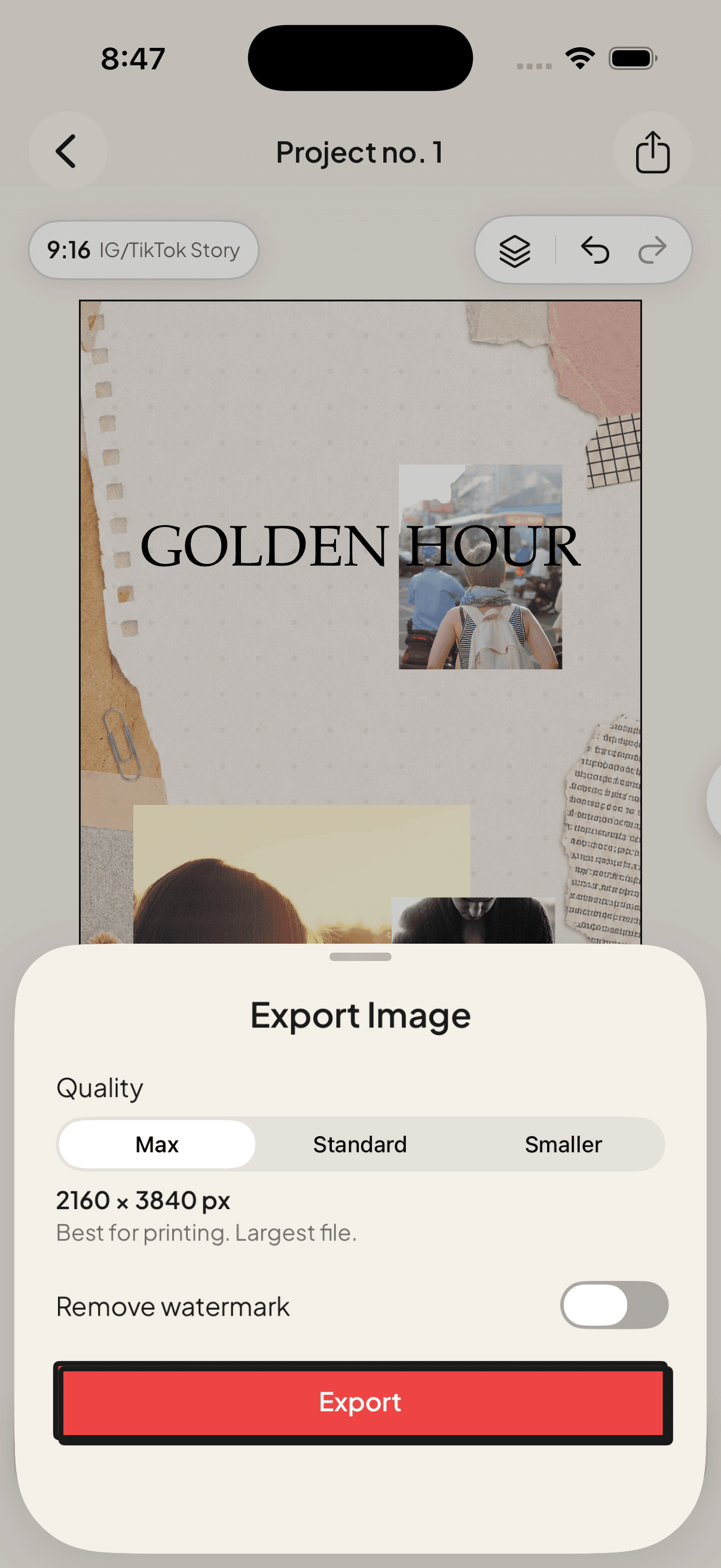
Save the finished image to Photos. If the next page belongs to the same trip or month, duplicate the project so the background, margins and type treatment remain consistent.
## A simple scrapbook recipe that always works
When you do not know where to begin, use this arrangement:
1. Cream paper background.
2. One framed photo occupying about half the page.
3. Two smaller photos overlapping one corner.
4. One cutout that crosses a photo boundary.
5. Two pieces of washi tape.
6. One short handwritten note.
7. One tiny decorative accent in the opposite corner.
Once the page works, change one ingredient rather than adding five more.
## Digital scrapbook, junk journal or photo collage?
A **photo collage** is any composition made from several photos. A **digital scrapbook** adds memory-keeping structure: dates, captions, frames and page-to-page consistency. A **junk journal** leans harder into found-paper texture, clippings, stamps and deliberate mess.
Jodu can make all three because the canvas does not lock photos into a grid. For app comparisons, read [the best digital scrapbook app for iPhone](/blog/digital-scrapbook-app/). For the basic collage workflow, start with [how to make a photo collage on iPhone](/blog/photo-collage-iphone/).
## Frequently asked questions
### Can I make a digital scrapbook using only my iPhone?
Yes. An iPhone collage app can handle the canvas, photos, cutouts, frames, text and export. You do not need Photoshop or a desktop computer.
### How many photos should go on one scrapbook page?
Two to five is a useful range for beginners. Make one photo dominant and let the others support it. More photos can work, but they need stronger grouping and more disciplined spacing.
### Can I print a digital scrapbook page?
Yes. Export at the highest available resolution, then print at the same aspect ratio as the canvas to avoid unexpected cropping. Check a small proof before ordering a full album.
### Do automatic cutouts upload my photos?
Not in Jodu. Subject isolation runs on the iPhone using Apple's vision models, so the photo remains on the device during the cutout.
---
Source: https://jodu.app/blog/how-to-make-digital-scrapbook-iphone/
Jodu gives you a freeform scrapbook canvas on iPhone with automatic on-device cutouts, paper textures, 887 stickers, 13 fillable frames, 40+ fonts, and high-resolution export.