Moodboards, carousels, and scrapbook pages. Easier than Canva.
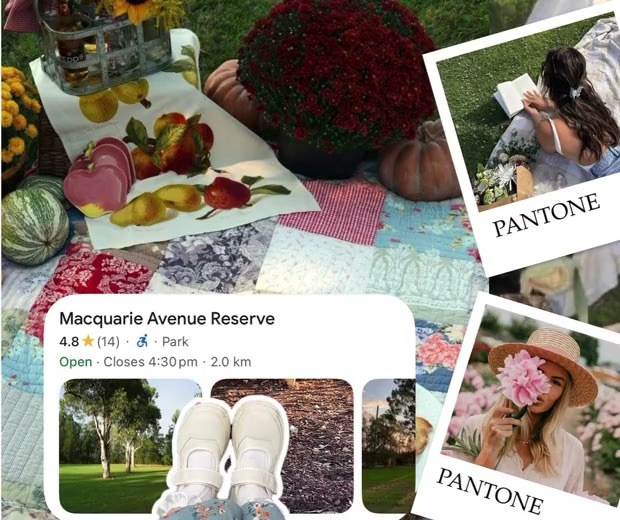
Pull photos straight from Pinterest or your camera roll, lay them out on a freeform canvas, and add stickers, textures, and torn-paper edges until it feels handmade. Make moodboards, digital scrapbook pages, and seamless Instagram carousels, no design skills needed. Free to download on iPhone.
Jodu is a creative tool inspired by the art of cut-and-paste collage — the hands-on process of cutting photos from magazines, layering them, and building something new. That raw, handmade energy, now on your phone.
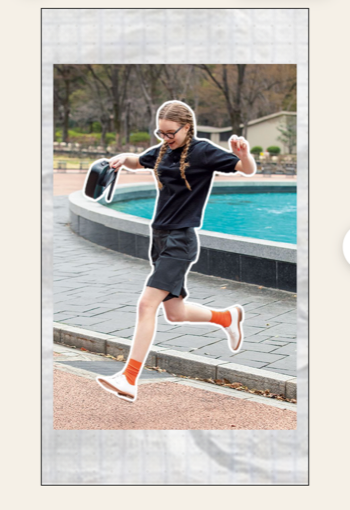
Instead of scissors and glue, you get automatic cutouts that instantly isolate subjects from your photos. Add decorative effects like torn paper and burnt edges, layer on a freeform canvas with text and textures, and create collages that feel authentically handmade — all from your iPhone.
Your photos never leave your phone.
Want Jodu on Android? It's iPhone-only for now - drop your email and we'll tell you when it's ready.
You're on the Android list - we'll email you when it's ready.
Couldn't sign you up. Try again.
Magic in Seconds
Smart Auto-Cut
Automatic subject isolation plus 11 decorative effects — color border, torn paper, crumpled paper, burnt paper, blur edge, glow edge, drop shadow, vintage, tape, and stamp. Pick a photo and Jodu handles the cutout.
50+ layers per page on a freeform canvas. Three canvas sizes — Square, Portrait, and Story. Crop, erase, and stamp cutter tools, smart alignment guides, and full undo/redo.
Stickers, Frames & Text
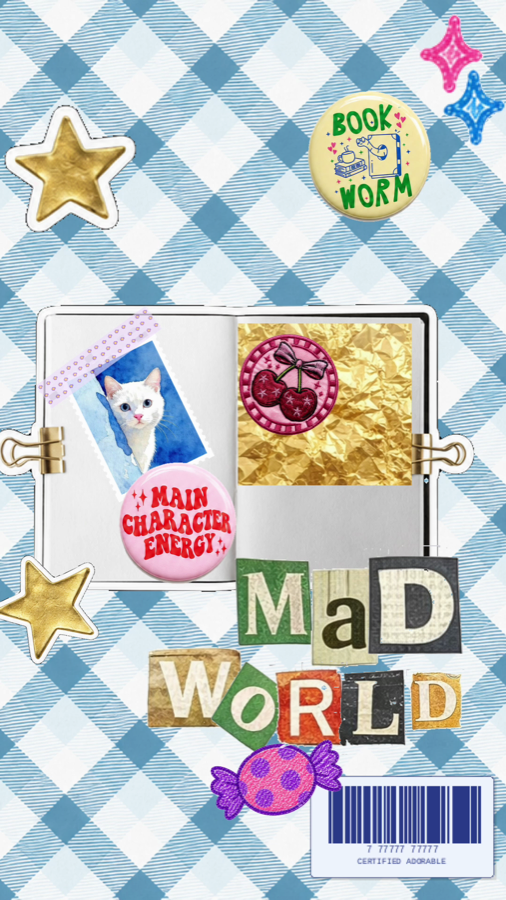
887 stickers across washi tapes, letters, numbers, and decorations. 13 fillable photo frames (polaroid, phone, mac, shapes). 40+ curated fonts with shadow, outline, glow, and background effects. 20+ textures, 10 colors, and 6 gradient presets.
Carousels, page by page
NEW
Build collages that span up to 20 pages. Each page has its own background and layers — swipe to edit them just like an Instagram carousel. Export and post the whole stack in one tap.
Sign in with Pinterest right from the photo picker. Browse your boards, multi-select pins from any board, and drop them straight onto your canvas as image layers.
Browse boards and sections with pull-to-refresh
Multi-select pins from a masonry grid
Concurrent downloads with progress + cancel
Connect or disconnect any time from Settings
How to Make a Collage
1
Pick Your Photos
Select photos from your camera roll. Portraits, landscapes, textures — anything goes.
2
Choose an Effect
Apply automatic subject isolation, then pick from 11 decorative effects. Color border, torn paper, blur edge, vintage — Jodu handles the cutout.
3
Layer & Compose
Arrange on the freeform canvas. Add text, choose a background texture, resize and rotate layers.
4
Export & Share
One tap to export as full-resolution PNG. Share to social media, AirDrop, or send to a printer.
Who Uses Jodu?
📜Collage ArtistsCut, layer, and create
📸Social Media CreatorsStand out with collage-style posts
🎨Mood Board BuildersVisualize ideas and aesthetics
📖ScrapbookersPreserve memories with style
🎨Designers & ArtistsRapid visual experimentation
🎓Students & TeachersCreative projects and presentations
7 days free. Then keep going.
Every feature, from day one.
No locked tools, no "Pro only" gates — your 7-day trial unlocks the whole app. Subscribe at any point during or after to keep using it.
Pinterest import, camera, and 10-photo bulk import
50+ layers per page on a freeform canvas
887 stickers + 13 fillable frames + 20+ textures
40+ fonts plus the spherical text effect
Up to 4K export, PNG & JPEG
After your free 7 days, subscribe to keep creating. Monthly, yearly, and lifetime plans — see in-app for current pricing.
Got Questions?
Jodu is an iOS app that transforms your photos into stunning collages with automatic on-device cutouts. It features smart subject isolation, 11 decorative effects (color border, torn paper, crumpled paper, burnt paper, blur edge, glow edge, drop shadow, vintage, tape, and stamp), multi-page carousels (up to 20 pages), Pinterest import, 887 stickers, 13 fillable frames, a text tool with 40+ curated fonts and 4 effects, and a freeform canvas with 50+ layers per page. It's designed for collage artists, scrapbookers, social media creators, and anyone who loves the handmade aesthetic of cut-and-paste collage art.
Jodu automatically detects and isolates subjects from your photos right on your device. Just pick a photo and Jodu handles the cutout. Then choose from 11 decorative effects to style it — color border, torn paper, crumpled paper, burnt paper, blur edge, glow edge, drop shadow, vintage, tape, or stamp. There's no manual tracing or tedious selection, and your photos never leave your device.
Jodu is free to download and starts with a 7-day free trial. During the trial, every feature is unlocked — automatic cutouts, all 11 decorative effects, multi-page carousels (up to 20 pages), Pinterest import, the full sticker library, fillable frames, 4K export, and the spherical text effect. After 7 days, you'll need a Jodu subscription to keep using the app.
Yes. Jodu supports multi-page projects with up to 20 pages per carousel — perfect for Instagram carousel posts. Each page has its own background and layers, and you can swipe between pages while editing. On export, Jodu renders each page as a separate image so you can post them as a carousel.
Yes. Jodu integrates with Pinterest so you can browse your boards, multi-select pins from any board, and pull them directly onto the canvas as image layers — no manual download required. You sign in with your Pinterest account from inside the photo picker.
No. Jodu processes everything on-device. Your photos never leave your phone. There are no cloud uploads, no servers processing your images, and no data collection. Your creative work stays completely private.
Jodu offers automatic subject isolation plus 11 decorative effects: Color Border (colored border around subject), Torn Paper (irregular torn edges), Crumpled Paper (wrinkled surface texture), Burnt Paper (charred border effect), Blur Edge (Gaussian blur fade), Glow Edge (halo glow around subject), Drop Shadow (shadow beneath subject), Vintage (color shift and grain), Tape (overlaid tape decoration), and Stamp (stamp texture overlay). Each effect is applied to your cutout automatically.
Yes. Jodu exports full-resolution PNG images that are great for printing. Create your collage layouts in the app, export, and send them to any printer or print-on-demand service. The torn paper and burnt edges effects are especially popular for authentic handmade aesthetics in printed collages.
Jodu works on iPhone running iOS 17 or later. The app is optimized for all screen sizes, with fast on-device cutouts across supported devices.
Most collage apps offer rigid grid templates where you drop photos into fixed slots. Jodu is different — it gives you a completely freeform canvas where you can layer, resize, rotate, and stack cut-out elements anywhere. Combined with automatic subject isolation, 11 decorative effects, a text tool with 40+ fonts, and background textures, Jodu is purpose-built for creative, artistic collages rather than simple photo grids.
Yes. Jodu includes a full text tool with 40+ curated fonts across Serif, Sans, Display, Script, and Mono categories. You can apply 4 text effects — Shadow, Outline, Glow, and Background — plus pick any color with the built-in color picker. There's also a spherical text effect that renders text as a globe/bubble distortion in 9 color themes. Text layers can be resized, rotated, and arranged on the canvas just like photo cutouts.
No project cap — you can create as many collages as you want during your 7-day free trial, and as a Jodu subscriber. Each project supports 50+ layers per page and up to 20 pages per carousel.