
Shuffles got a lot of people into collage. You cut out a few images, stack them, drop in some text, and you have a moodboard that looks like it took an afternoon. Then you hit a wall. The app wants a Pinterest account before it'll do much, it works best from Pinterest's own library when your photos are sitting right there in your camera roll, and every so often it quits and takes your board with it.
If you're searching for websites and apps like Shuffles, you're after the same fun with fewer of those snags. Here's what actually comes close, starting with the pick that handles your own photos best.
What people want from a Shuffles alternative
Shuffles by Pinterest is good at the core thing. Tap a photo, get a clean cutout, arrange it on a board. The friction shows up around it.
- It leans on your Pinterest account and Pinterest's image library, which is fine until you want to build from your own camera roll.
- It can be glitchy, and losing a collage you spent twenty minutes on stings.
- Its cutout-and-remix model is great for reposting, less so for a board you want to keep and rework over time.
So the wishlist is short. Keep the easy cutouts and stacking, let me use my own photos, and don't lose my work.
Jodu: the closest thing for your own photos
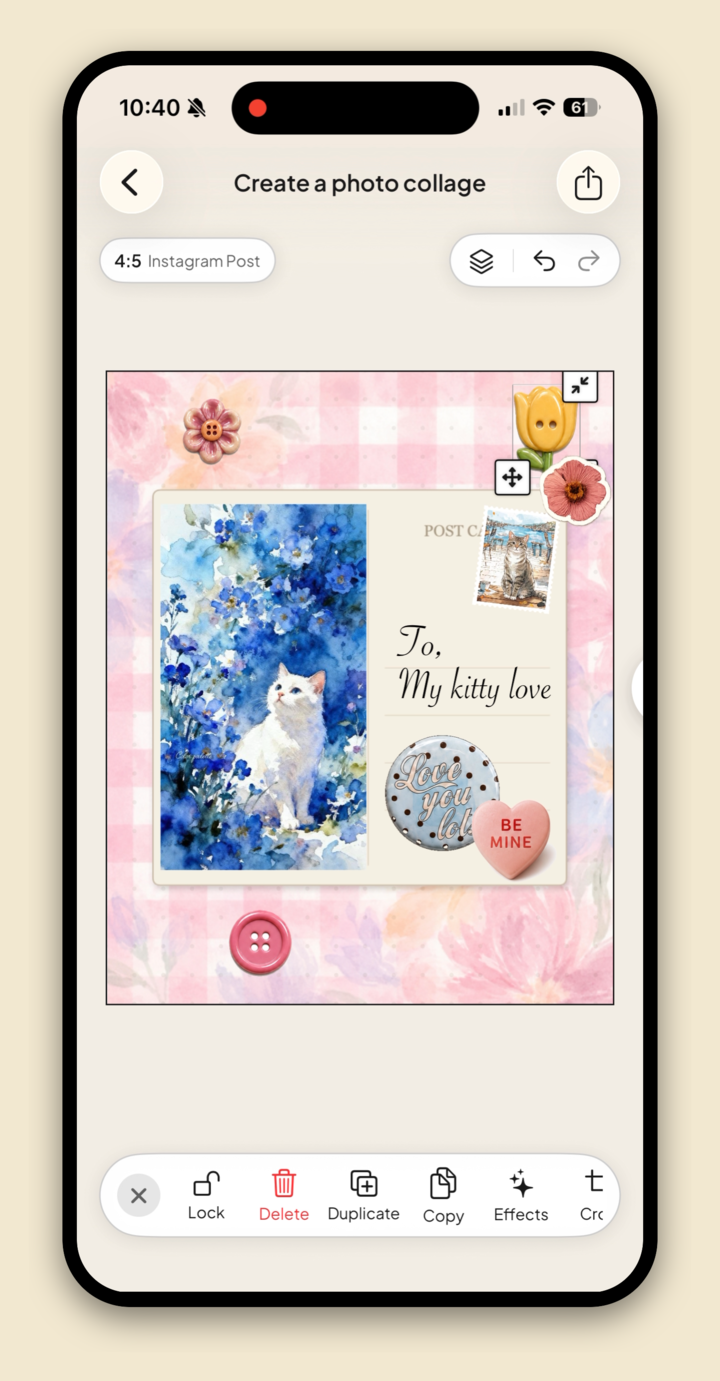
Jodu is a free-to-download iPhone app built around the same cutout-collage idea, with your camera roll front and center.
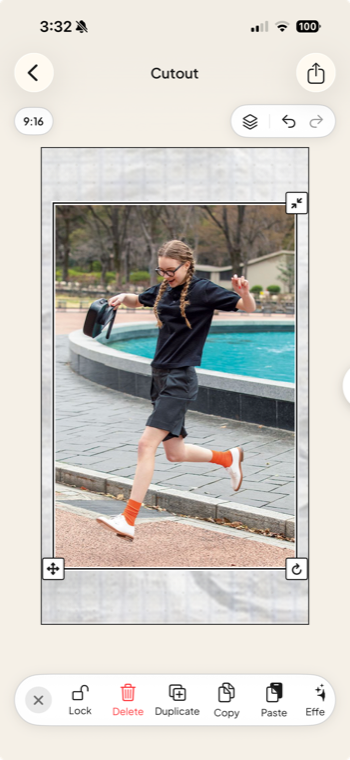
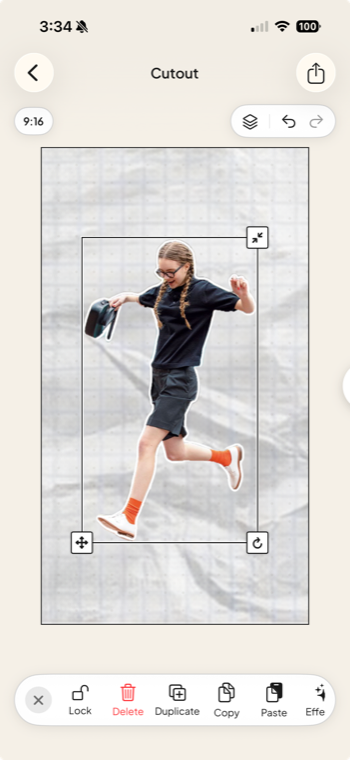
- Automatic cutouts, no extra step. Drop in a photo and Jodu lifts the subject off its background right on your device. No manual erasing, no waiting on a server.
- Your photos first, Pinterest optional. Start from your camera roll with no account at all, or connect Pinterest when you want to pull pins. You're not locked to one source.
- Real collage tools. 887 stickers, 13 fillable frames, paper textures, 40+ fonts, and effects like torn paper, drop shadow, and a postage-stamp border, all on a freeform canvas you can layer however you like.
- It keeps your work. Projects live on your device, so a crash doesn't cost you the board, and you can come back and rework it whenever.
If the part of Shuffles you love is making the collage from your own pictures, that's exactly what Jodu is for.
A quick comparison
| Feature | Shuffles | Jodu |
|---|---|---|
| Automatic cutouts | Yes | Yes |
| Build from your camera roll | Limited | Yes |
| Pinterest import | Built in | Optional |
| Saves projects on your device | Spotty | Yes |
| Account required | None | |
| Free to download | Yes | Yes |
If you ever loved Landing, the collage app that shut down, that guide is the companion to this one. Both are part of our roundup of the best aesthetic collage apps for iPhone.
FAQ
Is there a free app like Shuffles?
Yes. Jodu is free to download on iPhone, makes automatic cutout collages, and lets you build from your own camera roll or import pins from Pinterest.
Can I use a Shuffles alternative without a Pinterest account?
Yes. Jodu starts from your camera roll with no account at all. Connecting Pinterest is optional, there when you want to import boards and nothing you have to set up first.
What happened to Polyvore?
Polyvore shut down in 2018 after it was acquired, and its set-and-style format never came back the same way. Shuffles and Jodu are the closest current tools for that kind of cutout collage.
Can I make Shuffles-style collages from my own photos?
Yes. In Jodu, add a photo from your camera roll, tap Remove BG for a clean cutout, then stack, frame, and arrange it like any other layer.